|
The p-admin has its own interface for conducting any tasks necessary. Required are simply an internet connection and a standard web browser (Microsoft Internet Explorer, Moziall Firefox,...).
In order to access the p-admin interface, proceed as follows:
|1| Enter the URL  http://padmin.factline.com into the URL address bar of your browser: http://padmin.factline.com into the URL address bar of your browser:
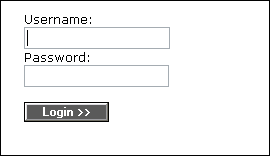
|2| Enter your username and password and click on "Login“.
|3| Select the desired platform from the list, and click on the "modify"-button on the right side. (Usually, only one platform is displayed.)

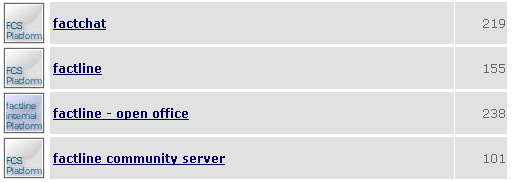
If you see a big list you can search the desired platform by entering the platform name, info id or part of them in the filter field.
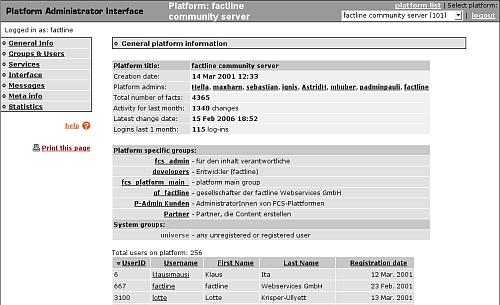
|4| Now, the main page of the p-admin interface opens. The main page gives you an overview of your platform.
|